Hardware
Direct USB
Direct USB is the simplest physical connection for one actuator.
Connect
- Complete Actuator setup.
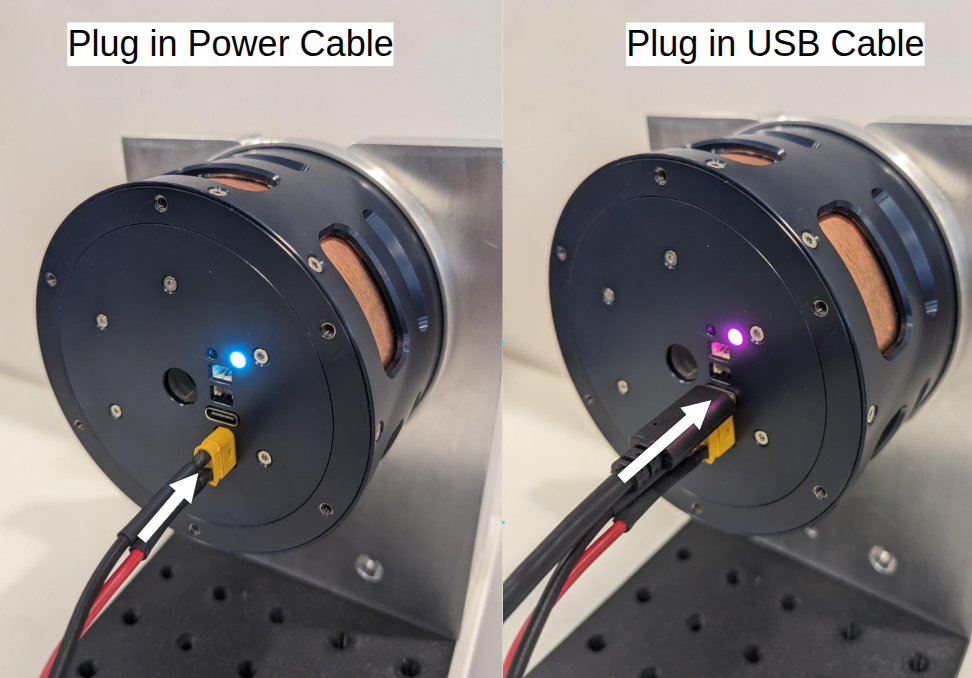
- Connect the actuator directly to the computer using a USB-C cable.
- Confirm that the LED indicates USB communication; see LED status indicators.
Verify
Use either:
- Pulsar App; or
- Pulsar Python SDK with
PcpOverUsband actuator address0.
The SDK and CLI auto-detect the port when possible. If several Pulsar serial devices are connected, pass the port explicitly.